The Family Drive
The Rudy-Smith Family Drive is a shared Google Drive folder where the family keeps photos, videos, reunion plans, and anything else that's nicer to scroll through than to email around. Everyone in the family groups can view and add to it.
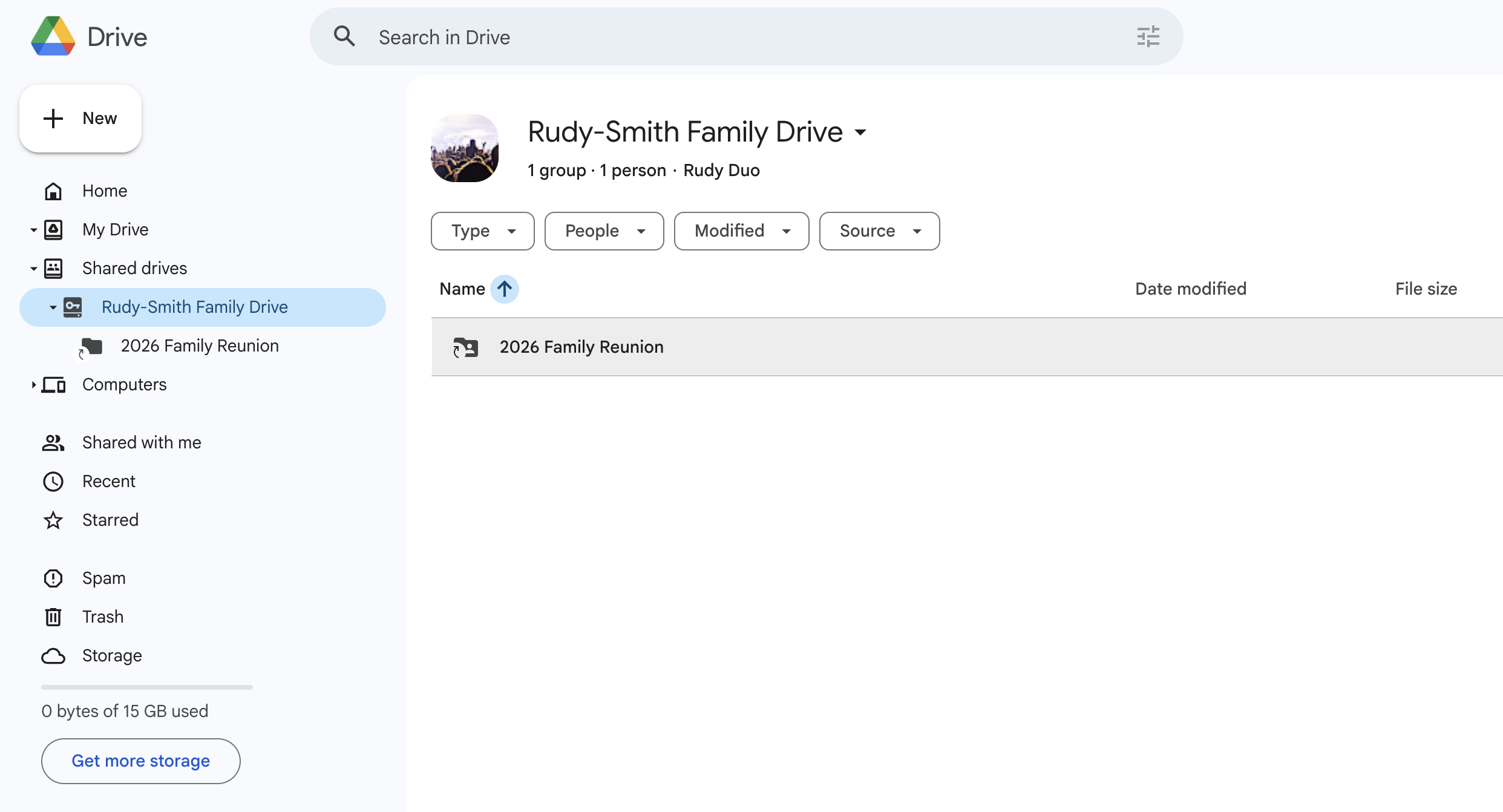 Open the Family Drive
You need to be signed in to the right Google account
Access to the Drive is tied to the same Google account you use for the family groups. If you click the link above and Google says you don't have access, the most common reason is that you're signed in to a different Google account than the one connected to your family group email.
A quick checklist:
- Sign in to Google using the email address that gets the family group messages.
- If you have multiple Google accounts in your browser, switch to the right one (top-right avatar in any Google page → choose the family one).
- Then click Open the Family Drive again.
If you haven't set up a Google account yet, start with Getting Started — once you're in the family groups, the Drive will open automatically.
What goes in the Drive?
- Photos and videos — reunions, weddings, graduations, the everyday stuff worth keeping.
- Reunion planning — itineraries, address lists, packing notes, who's bringing what.
- Family documents — anything the family wants to keep in one shared place.
How to add things
Open the Drive, drag a file or folder into the window, and it uploads. You can also create folders, Google Docs, or Google Sheets right inside it. If you'd rather email photos in, send them to your group and someone will drop them in the Drive.
Trouble getting in?
Email Addie at techsupport@rudysmithfamily.com from the address you'd like to use, and she'll get you sorted.